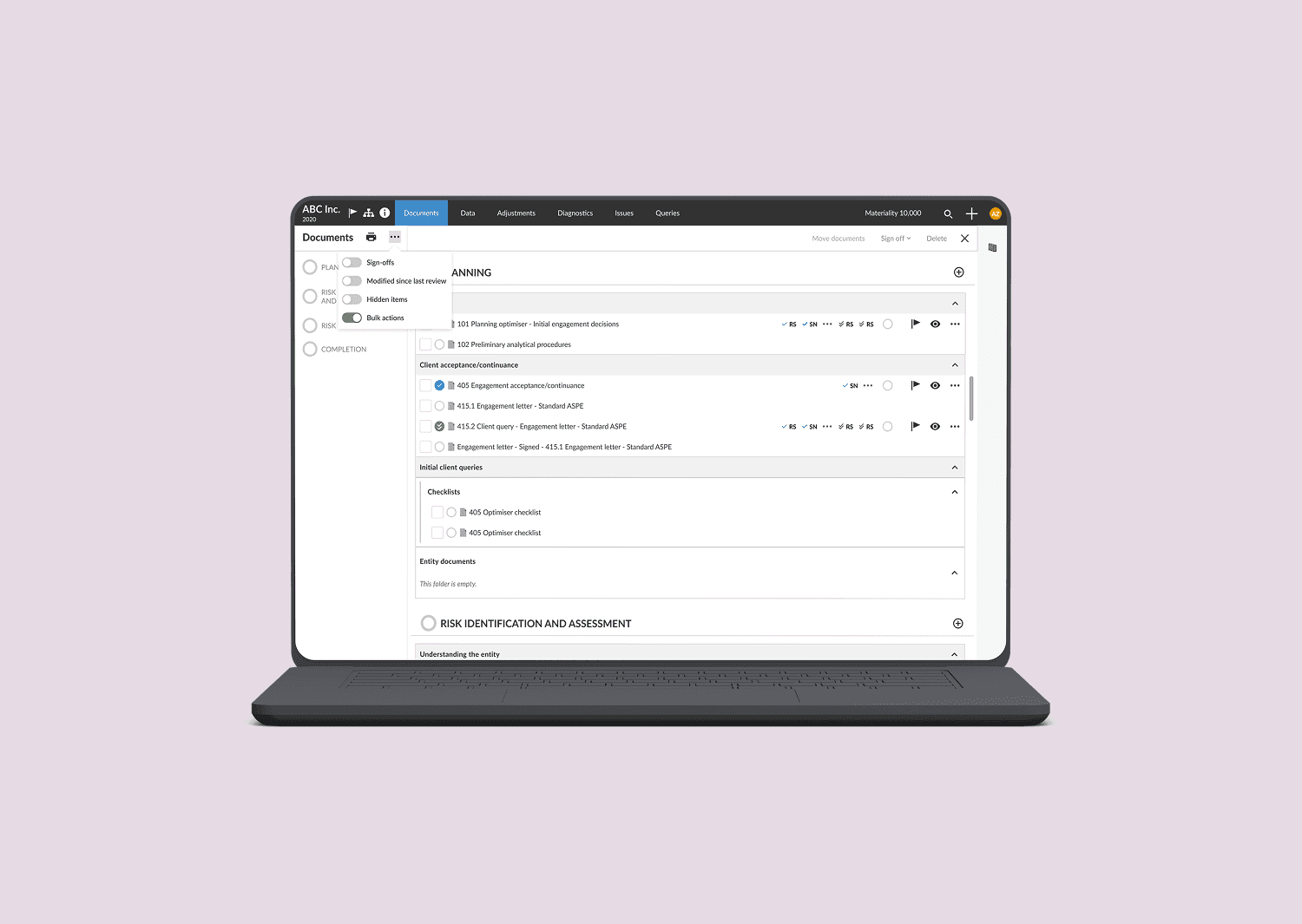
My Role
Lead Product Designer
Researcher
Team
Project Manager
Development manager
Content writer
UX researcher
Executive Summary (TL;DR)
The Challenge: Enterprise accountants were wasting 1–2 hours weekly due to a tedious, single-file management system that couldn't handle volume.
The Solution: A scalable Bulk Actions Workflow featuring inline multi-selection, strategic operational limits, and a novel "Review" step for compliance.
The Impact:Reduced time-on-task by 80% (exceeding the 70% target) and increased sign-off velocity by 4x–6x.
Project Context
Caseware customers were facing a costly workflow bottleneck that directly impacted their billable hours and regulatory compliance cycles. The existing system forced a tedious, one-by-one approach for document management.
The inability to perform bulk actions meant that users were spending between 1 to 2 hours weekly to complete basic operational tasks on a typical batch of documents. This repetitive process was critically less efficient than a bulk action workflow.
Goals
The goal of this project was to reclaim those wasted hours, targeting a minimum of 65-70% reduction in time-on-task to complete batch operations.
It was a strategic imperative for Caseware to build a scalable, high-efficiency solution that could keep pace with our growing enterprise customer base.
Meet Ann and Mark
Before we could design the bulk action workflow, we needed to understand who we were designing it for. Meet Ann Simmons and Mark Jackson from a large accounting firm.


These personas helped to guide our design decisions, ensuring the experience was tailored to the unique goals, pain points, and workflows of each user type.
Discovery
Best Practice Benchmarking
Through a quick competitive analysis, I realized most leading cloud-based platforms offer bulk action capabilities for document management. Some of the best practices takeaways for me were:
Inline multi-selection is the standard → Normalize bulk selection in the file list itself; this reduces redundancy and extra clicks.
Feedback & undo are differentiators → Progress indicators + undo, builds user confidence.
Scope of bulk actions varies → Actions could vary based on the users workflow and tech feasibility.
I kept Google Drive and Dropbox as my benchmark which has intuitive, forgiving bulk workflows with importance of speed.
Current Flow Analysis
To deeply understand the friction points, I began to rigorously map the user workflows for existing single-document actions. This established the baseline for user mental model and application behavior.

How a single document is moved from one folder to another
What did I learn?
No option to select multiple documents
No user/toast messages when document deleted or moved
No ability to sign-off in bulk
Critical Workflow Gap
I realized that the need for speed should not come at the cost of control and transparency for high-stakes actions like Sign-Offs. While Mark needs speed, maintaining trustworthiness and compliance is critical.
As the final approver with trusted accountability, Mark can't risk a bulk action. Reversing a mistake on 50 documents is a time-consuming disaster.
Solution: A review step in the sign-off workflow is a must.
I determined that the bulk sign-off flow absolutely required an intermediary Review and Validation Screen to serve two essential functions:
Granting control and final Review: Provides a final chance to review the batch before committing irreversible action. Mitigates the chances of batch reversal.
Ensuring transactional transparency: A proactive system check to display clear statuses on each selected document. Enables the user to get an overview of which documents will or will not be signed off.

Suggested review screen as one of the intermediate steps in sign off workflow
Iterations
Iteration: Balancing legacy constraints with modern usability
Problem
The primary design constraint was the Product team's expectation to leverage the existing single-document dialog box pattern for bulk actions. This was driven by a need to optimize development efforts and meet a tight delivery timeline.
Advocacy and Solution
I created quick wireframes leveraging existing design patterns for development efficiency while introducing new interactions to solve critical usability and scalability problems. And conducted a focused round of internal usability testing with 5 users to validate the core functionality.
Suggested Approach

Recommended Approach

User feedback
Checkboxes are intuitive to select multiple items on main documents screen
Undo option for bulk actions is much appreciated
Review screen for sign-off workflow is very helpful - "didn't know this was possible!"
This quick round of testing helped me convince the stakeholders to go-ahead with the multi-selection on the main documents screen instead of the suggested dialog box approach.
Testing also surfaced 2 major technical issues that required design intervention and were resolved in a couple of iterations.
Iteration: Addressing Performance Issue
Problem
When users selected a large volume of documents (e.g., hundreds), the application appeared to hang or become unresponsive during the backend processing. This wasn't a visual bug; it was a consequence of the complex, multi-step backend processing required for large batches (e.g., locking files, updating audit trails).
My Strategic Solution:
After consulting with our engineering team, I learned that the bottleneck could be solved by processing operations in smaller, predictable batches. My solution was to enforce a strategic selection limit.
I designed a clear Error Banner that appears upon exceeding the limit, stating why the limit exists (for application stability) which indicates to the user to reduce their selection.

Error state to let the user know they can't select more than 50 documents at a time
Impact
This design choice protected the system's stability and managed user expectations transparently.
Iteration: Resolving Role Permission Ambiguity
Problem
The bulk sign-off flow exposed a critical flaw in the system's role hierarchy logic, particularly when a user held multiple roles (e.g., Preparer and Reviewer) and attempted to sign off a batch of documents with mixed role requirements. This created an unresolvable ambiguity on which role the system should consider while signing off the documents (e.g., "Preparer OR Reviewer").
My Solution (Simplifying the User Model)
I partnered with product managers to understand the login sessions and logic behind these roles. Through these discussions we all could identify that one person will login to a caseware application with one role at a given time.
So, rather than requiring a costly and time-consuming re-architecture of backend logic, I proposed a design solution that enforced bulk sign-off to be executed by one selected role at a time.

User with the role "Preparer" signing off 3 documents
Impact
Removing ambiguity ensured a clear audit trail (eg: signed off by a Reviewer). Simplified the process for the user and immediately resolved a major technical blocker for launching bulk sign-off workflow.
Final Designs
User moving documents in bulk
User signing-off documents in bulk
Impact
The introduction of the bulk actions feature delivered significant efficiency and productivity gains for Caseware's enterprise users, directly meeting the project's strategic goals:
Operational efficiency goal exceeded: User time spent on batch operations was reduced by 75-80% (reclaiming 1.5 to 2 hours of wasted time weekly for users), significantly exceeding the initial target of 65-70%.
Manager productivity boost: Enabled managers (like Mark) to conduct critical sign-offs 4x to 6x faster, moving a 5-6 hour weekly task to under 1.5 hours, immediately increasing team throughput and accelerating engagement closures.
Risk mitigation & scalability: Strategic design interventions (like enforcing selection limits and simplifying role-permission logic) successfully eliminated major technical blockers for the bulk sign-off workflow, ensuring the new feature was both stable and scalable for Caseware's growing enterprise customer base.

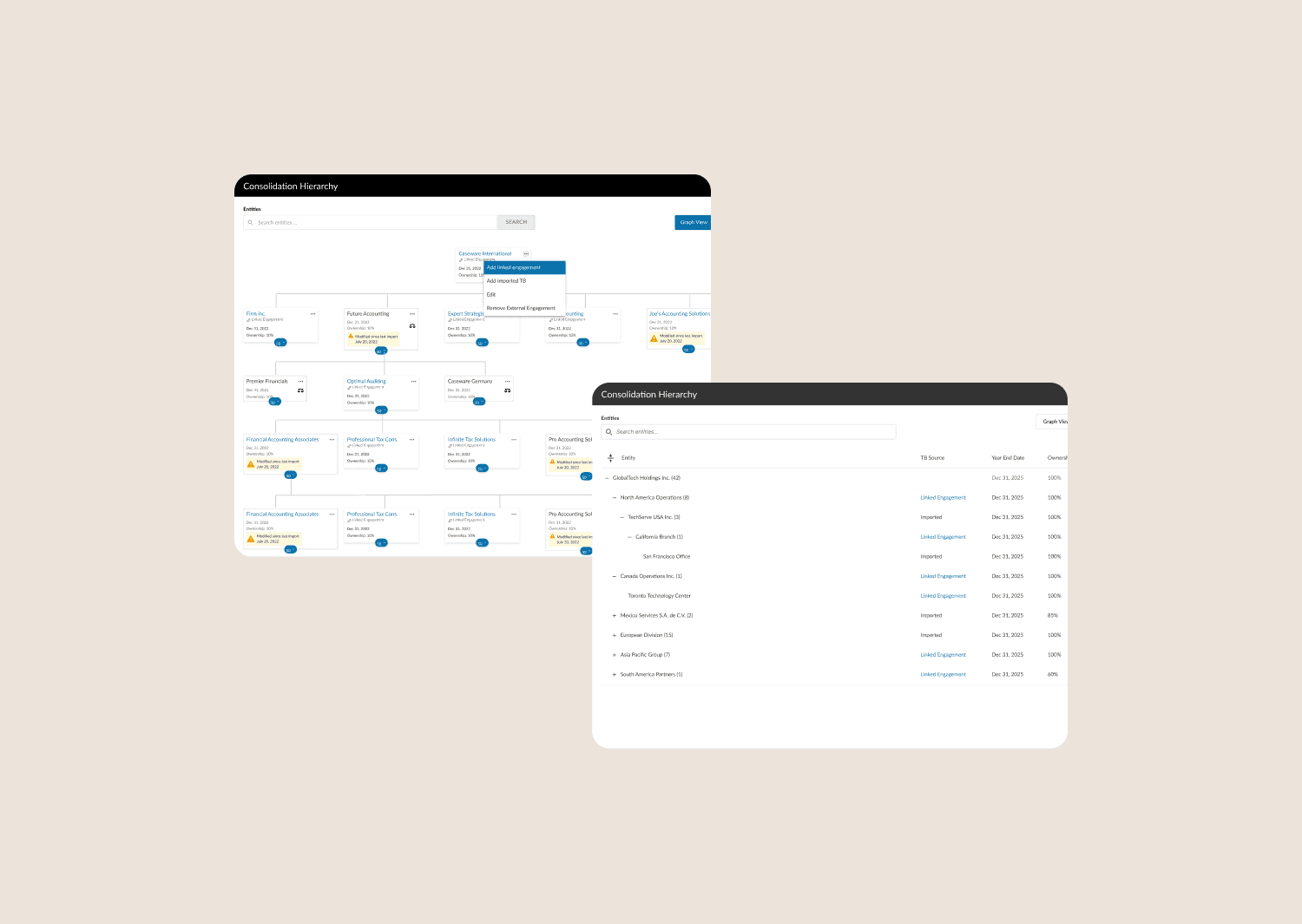


Let's connect
I'm not just here to design products; I'm here to connect with people.
As a product designer, I'm on an exciting journey to blend creativity with technology to craft memorable user experiences.